New Features Coming Soon
We’re pleased to announce the release of MyRicoh Customer Portal – Release 5, delivering a range of enhancements based directly on customer feedback to improve usability, visibility, and control across the portal as of 21 August 2026.
What’s new in Release 5
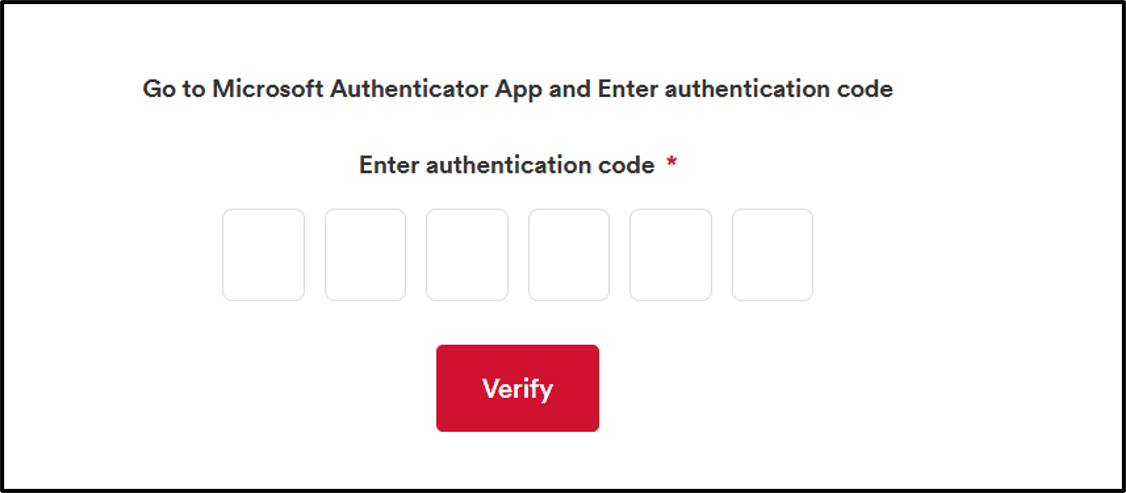
1. Multi-Factor Authentication (MFA) for Customer Portal Access
Multi-Factor Authentication (MFA) has been introduced for customer users
to provide an additional layer of security during portal login using
Microsoft Authenticator. First-time users can register their authenticator
using a QR code, after which verification codes will be required for new
device logins and expired sessions.
A provision for resetting MFA is present allowing internal Ricoh users to
reset MFA for end customers, enabling customers to securely reconfigure
their authentication setup when required.
2. Enhanced Toner Ordering with Toner Level Visibility
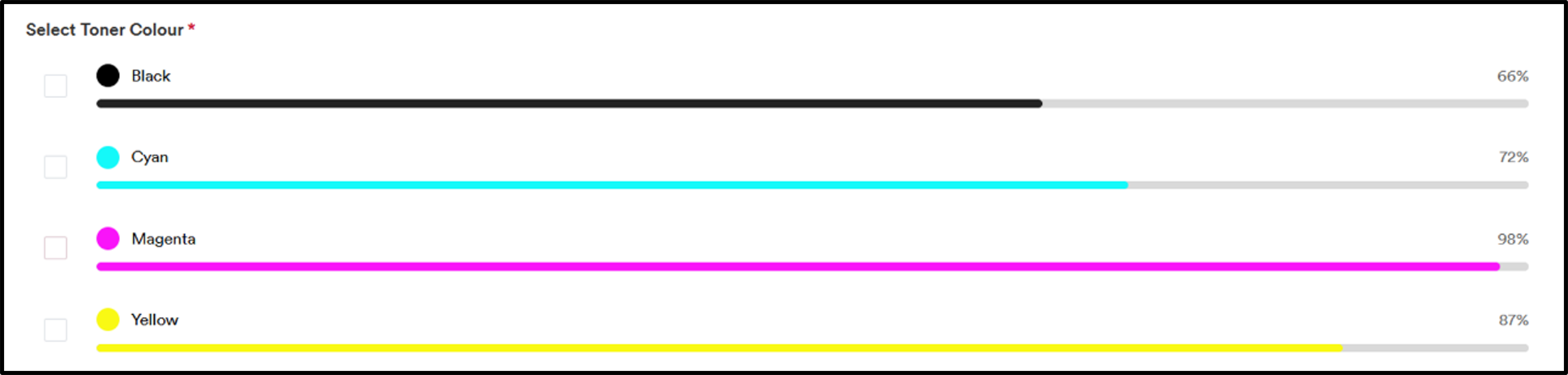
Customers can now view the latest toner levels before placing consumable orders, helping them make better ordering decisions.
3. Enhanced Consumable Ordering - Waste Toner Bottles
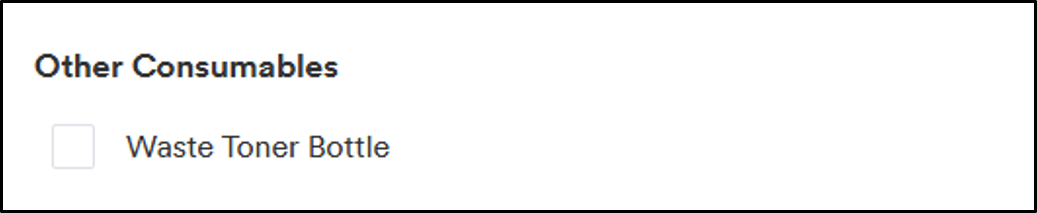
Customers can now request additional consumables i.e. Waste Toner Bottles through the existing consumable ordering process, reducing manual customer interactions and improving convenience by consolidating consumable requests into a single process.
4. Meter Reading Collection Improvements
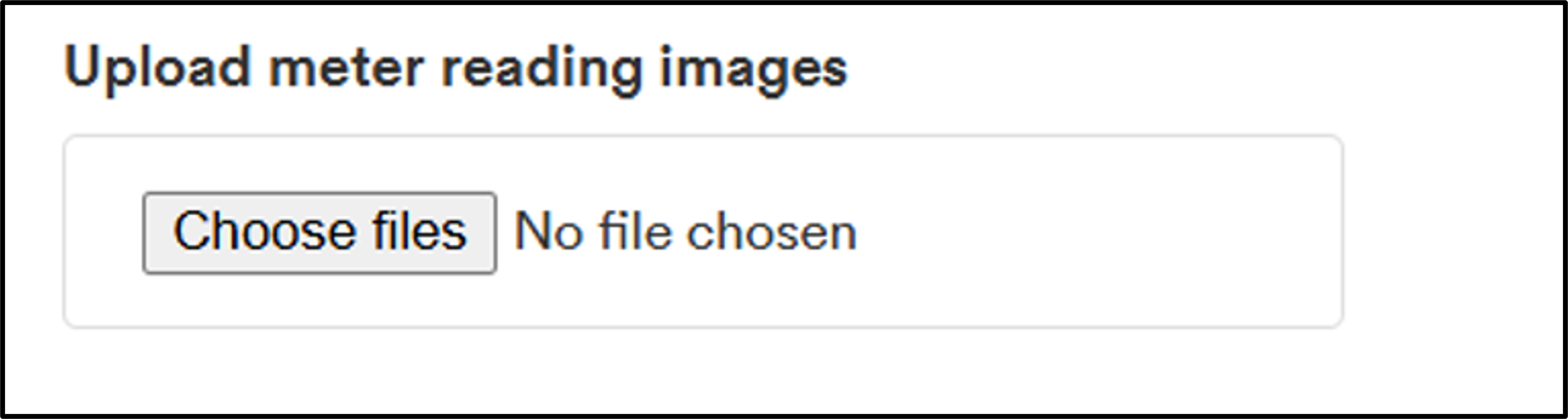
Customers can now easily identify devices by pending meter readings and submitting readings across all eligible devices from one place improving meter readings compliance.
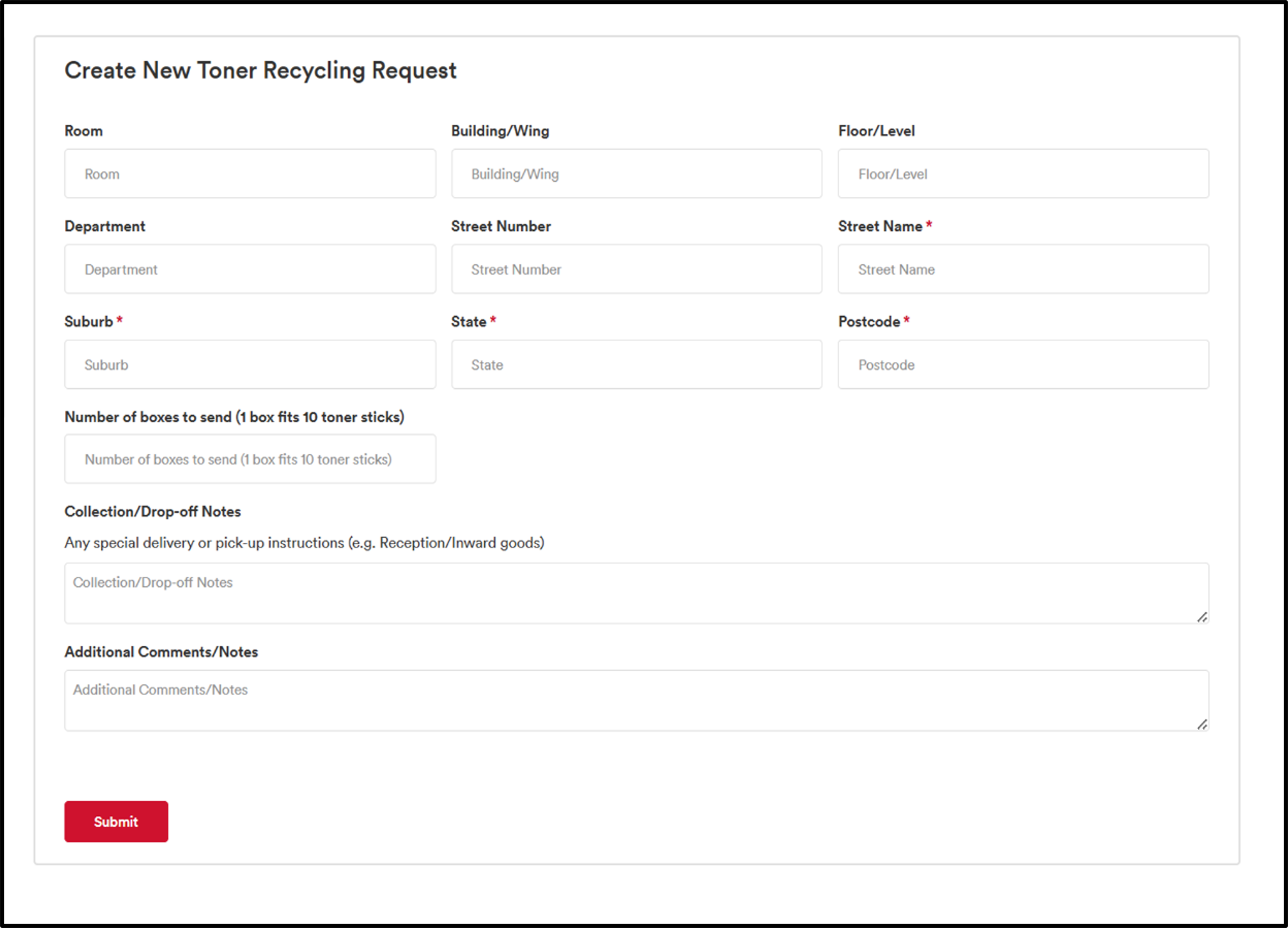
5. Toner Recycling
A new Toner Recycling capability enables customers to request toner recycling directly from the portal, supporting Ricoh's sustainability initiatives.
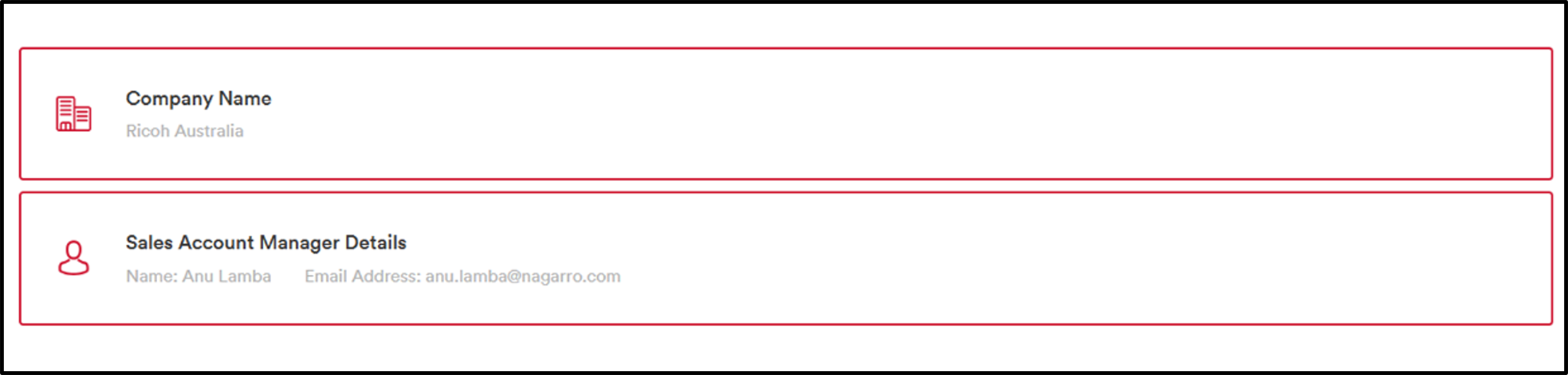
6. View Assigned Sales Account Manager
Customers can now view their assigned Sales Account Manager details for several enquiries related to their account.
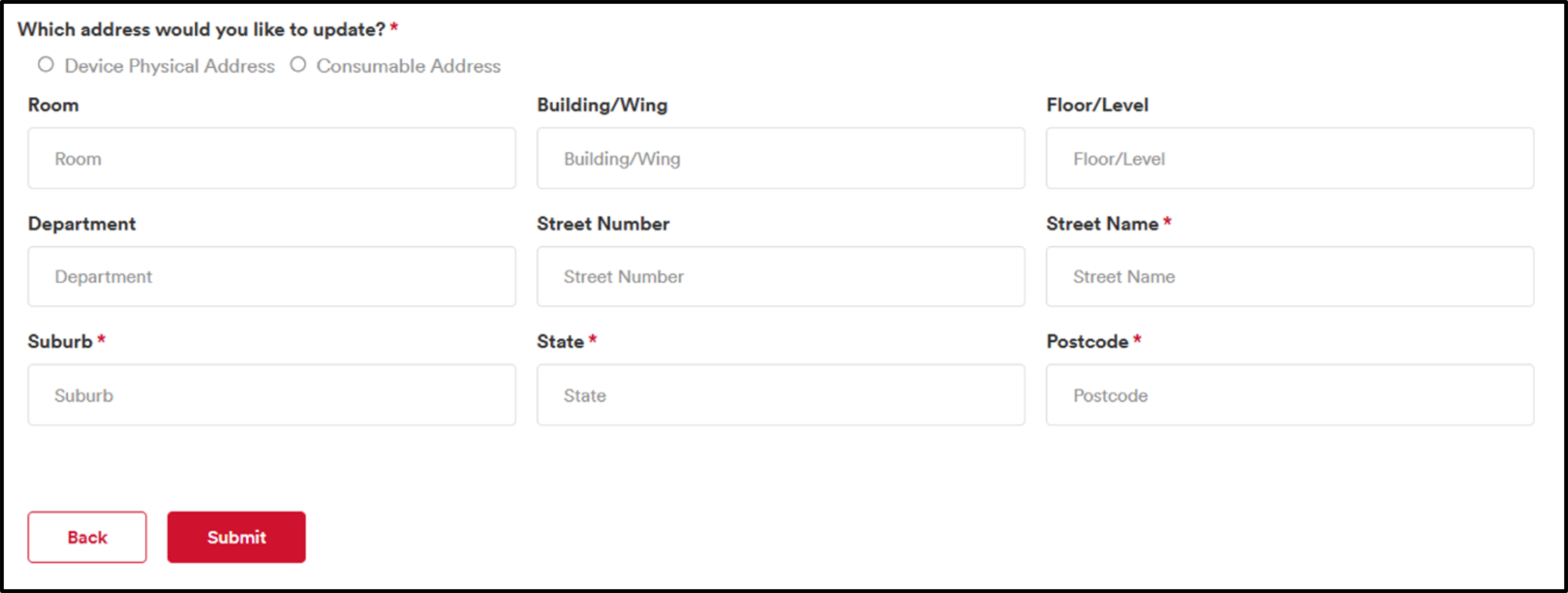
7. Device Address Updates
Customers can now submit updated physical devices or consumable delivery addresses while managing assets or creating requests.
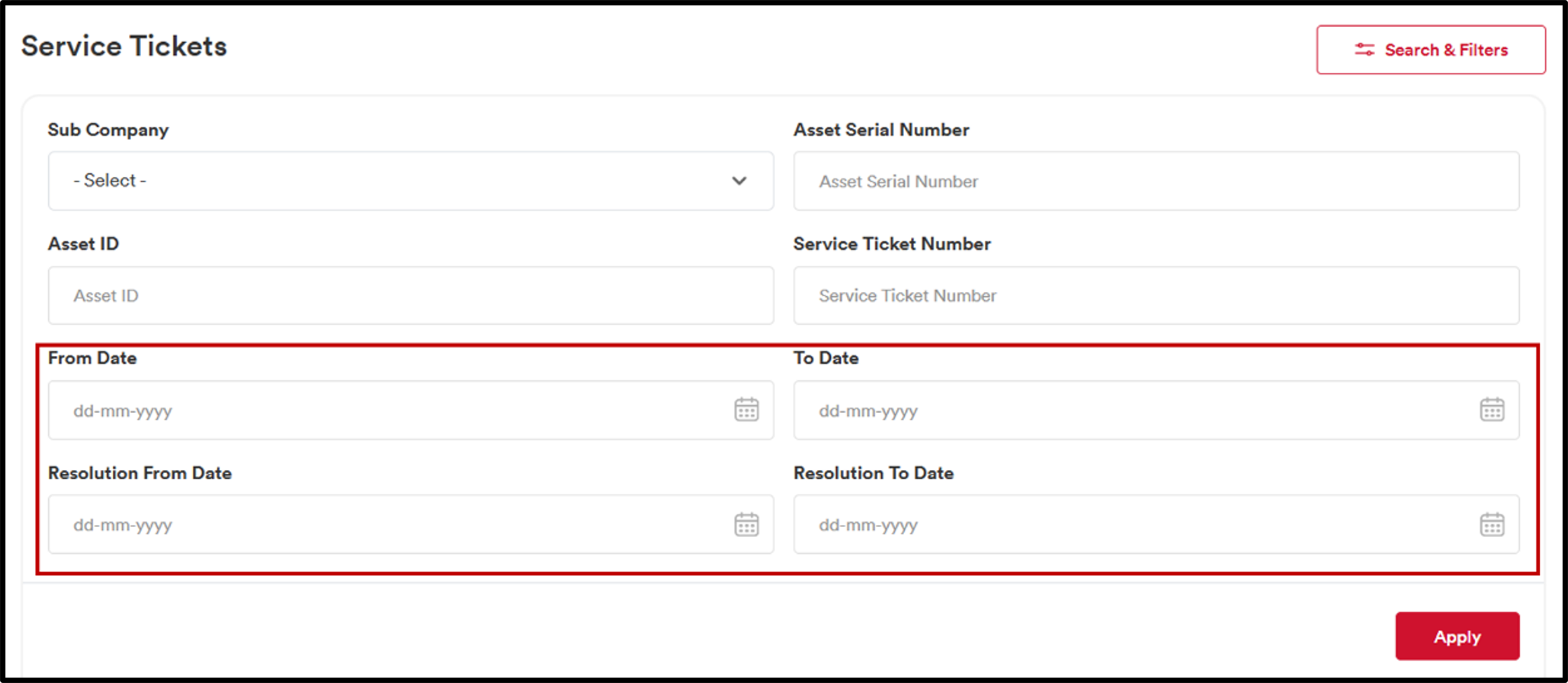
8. Service Tickets: Added From Date and To Date Filters
Users can now filter Active and Closed Service Tickets using From Date and To Date filters.
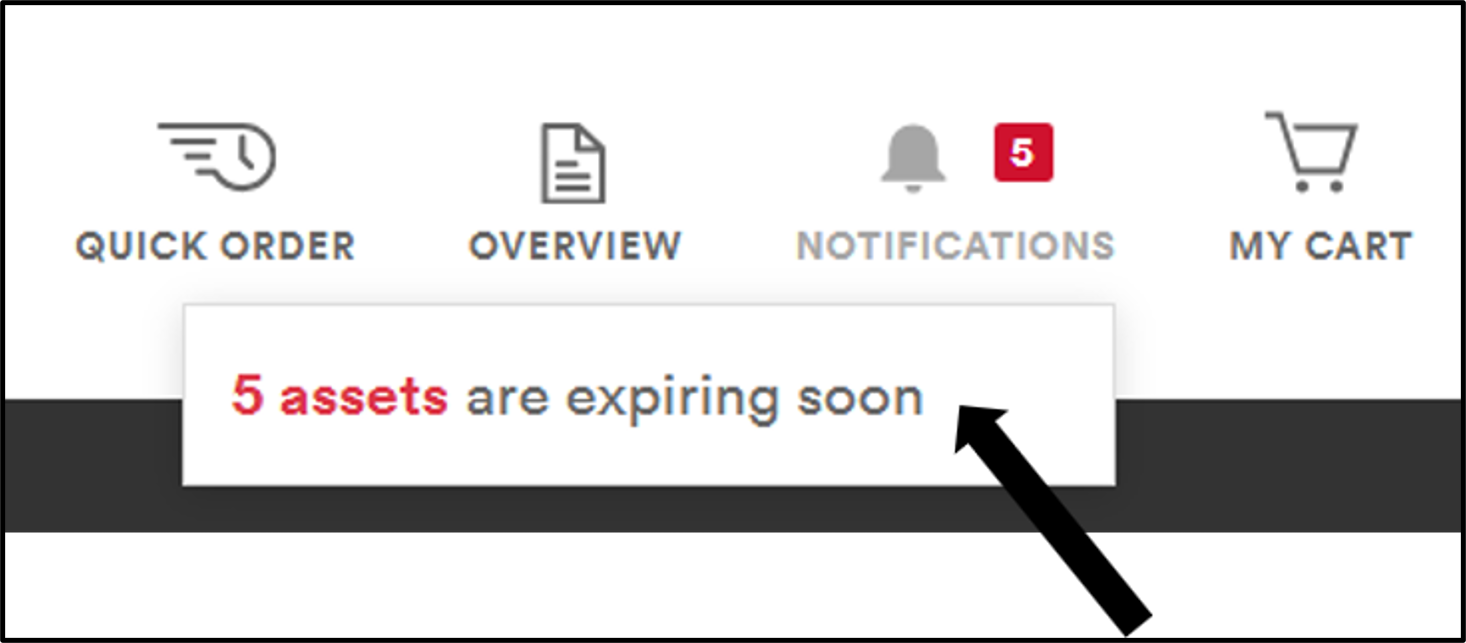
9. Send notification to customer when contract is expiring
Customers are proactively informed about contracts nearing expiration through portal alerts and automated email notifications.
10. Banner for Release Updates
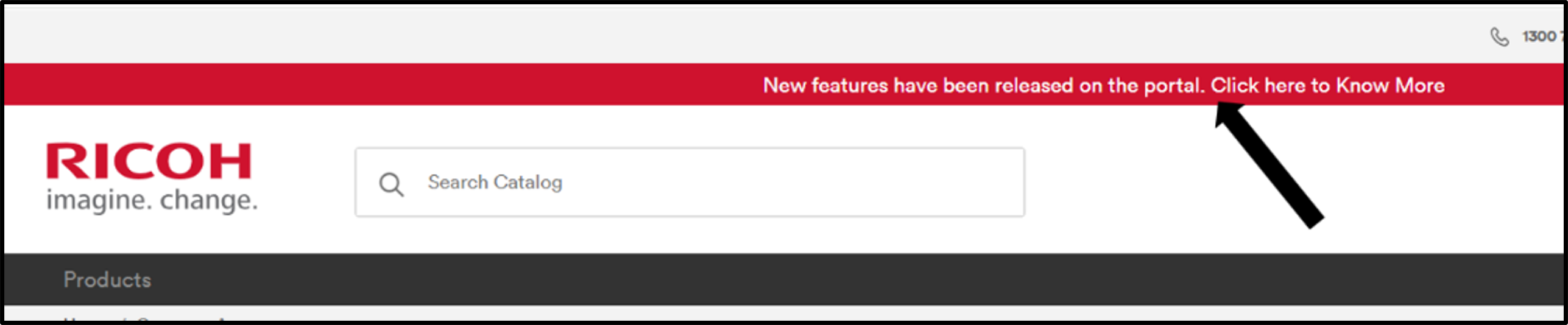
A new Release Updates banner highlights the latest Customer Portal enhancements and directs users to detailed release information.
If you have any questions or would like support using the new features, please contact your Ricoh Account and/or Service Delivery Manager.
Thank you!